Cookie consent in your visitor’s language
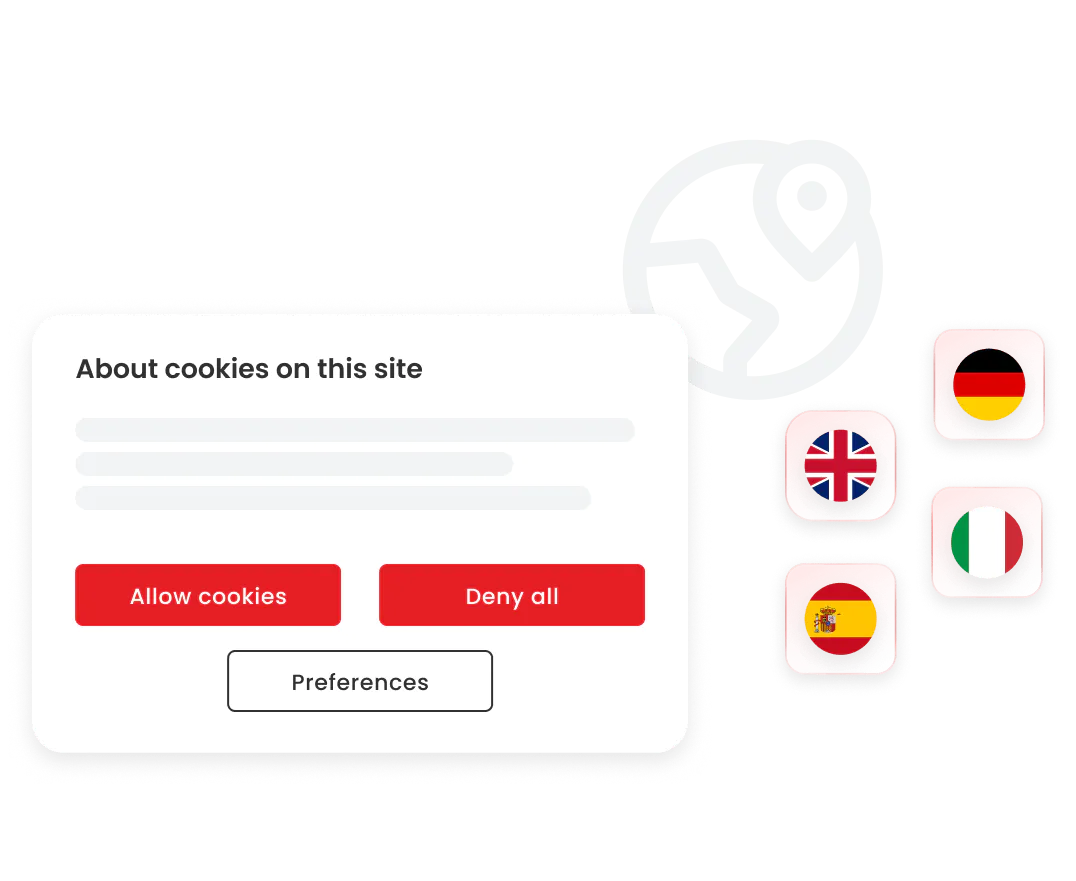
Deliver a localized consent experience automatically. CookieHub detects browser settings to show your cookie banner in your user's native tongue, increasing trust and opt-in rates.
Global Compliance through Localization
Effective privacy compliance is built on clarity. To satisfy GDPR, LGPD, and other global regulations, consent must be informed and easily understood. CookieHub eliminates the language barrier by providing professionally translated content for all banner elements, buttons, and cookie descriptions.
How it Works:
Automatic Language Detection: By default, CookieHub identifies the language settings of your visitor's browser and displays the corresponding translation instantly.
Default Language Settings: You can designate a primary language (e.g., English) in your dashboard. This acts as the fallback for visitors using a language that you haven't explicitly enabled.
Dashboard Customization: While we provide standard translations for 62 languages, you have the power to override any text string. This allows you to match your brand's specific tone or unique legal requirements for every region you serve.
Supported Languages
CookieHub currently provides professional translations for the following 62 languages. You can enable any of these within your dashboard to provide a seamless experience for your global audience.
Afrikaans
Albanian
Arabic
Armenian
Basque
Bengali
Bosnian
Bulgarian
Catalan
Chinese
Chinese (Traditional)
Croatian
Czech
Danish
Dutch
English
English (US)
Estonian
Faroese
Filipino
Finnish
French
French (Canada)
Galician
Georgian
German
Greek
Hebrew
Hindi
Hungarian
Icelandic
Indonesian
Irish
Italian
Japanese
Korean
Latvian
Lithuanian
Luxembourgish
Malay
Maltese
Norwegian
Persian
Polish
Portuguese
Portuguese (Brazil)
Romanian
Russian
Serbian
Slovak
Slovenian
Spanish
Swahili
Swedish
Tamil
Thai
Turkish
Ukrainian
Urdu
Uzbek
Vietnamese
Welsh
Frequently Asked Questions
In your CookieHub dashboard, navigate to the Languages tab. Click "Add language," select your desired language from the dropdown menu, and click "Add." It will be available to your visitors immediately.
Yes. Every language enabled in your dashboard can be fully customized. By clicking the "Edit" icon next to a language, you can modify any text string - including the main message, button labels, and category descriptions.
CookieHub will automatically display the "Default Language" you have selected in your settings. You can change your default language at any time in the dashboard to suit your primary audience.
Standard categories (like "Analytical" or "Marketing") are translated by default. For specific cookie descriptions found during scans, you can provide localized text in the "Cookies" tab to ensure a 100% native experience for the user.
Yes, our script uses standard browser headers to detect the user's preferred language, ensuring a consistent localized experience across Chrome, Safari, Firefox, and Edge.